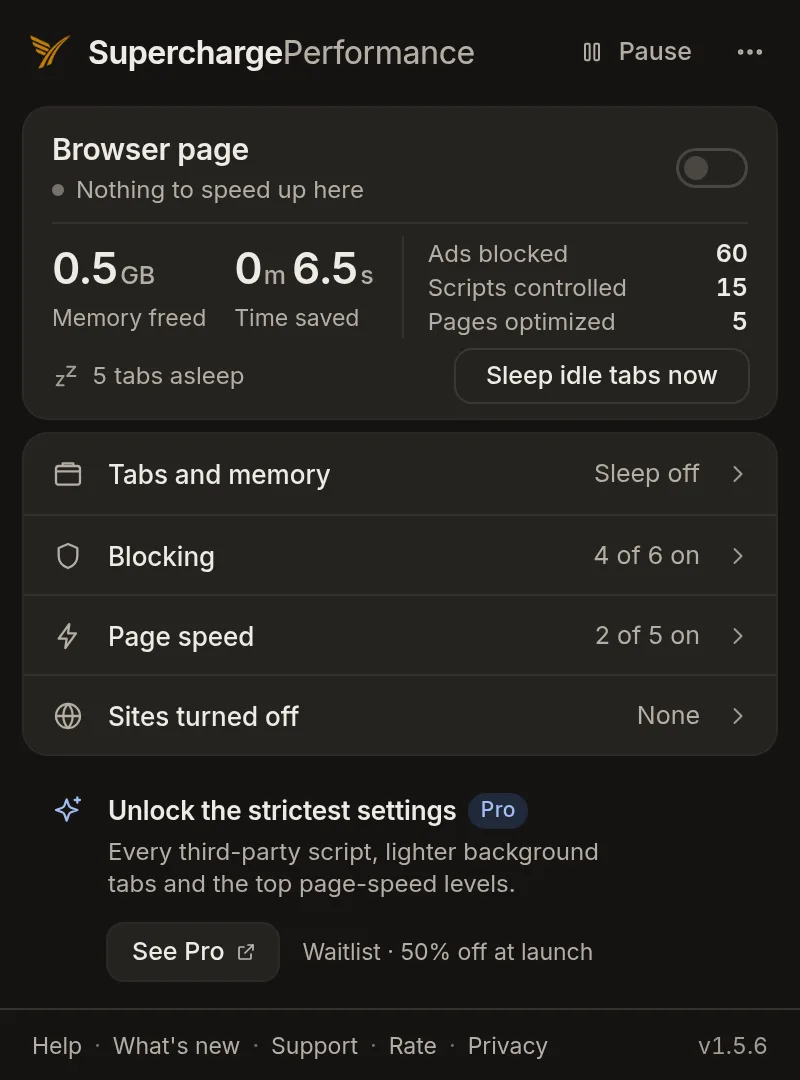
1.5.6 lets you sleep idle tabs by hand. The button now works with "Sleep idle tabs" on "Off", and nothing sleeps on its own. Your settings carry over, and there are no new permissions.
The "Sleep idle tabs now" button works with "Sleep idle tabs" on "Off".
It never sleeps the tab you're on or pinned tabs.
Sleep Idle Tabs by Hand, Even with “Sleep idle tabs” Off
The “Sleep idle tabs now” button in the popup puts idle tabs to sleep at once and frees memory. With “Sleep idle tabs” on “Off”, it now shows on the popup’s first screen and on the “Tabs and memory” screen. With the setting “Off”, tabs sleep only when you press the button. It never sleeps the tab you’re on, pinned tabs, tabs playing sound or video, or sites you turned off. A sleeping tab loads again when you click it.
Fixes & Other Changes
Your settings carry over.
No new permissions.
Built solo
Did v1.5.6 land for you?
Your read is the only feedback signal I get.
Built solo
If this felt thoughtful, let me know.
Built by one person. Zero telemetry, no growth team. Your review is the only feedback signal I get, and the only way the next person finds this.